



How to Integrate Shopify with NetSuite
What to sync between Shopify and NetSuite, the ways to do it, and how to keep inventory and orders accurate as you scale.
Jump to a section6 sections
What you'll learn
- The core records to sync are customers, products/variants, orders, inventory, fulfillments, and payments.
- Real-time inventory sync is what prevents overselling across Shopify and other channels.
- Options range from manual CSV work to iPaaS middleware to a native SuiteApp.
- A native SuiteApp syncs inside NetSuite with no middleware — fewest moving parts for a Shopify + NetSuite stack.
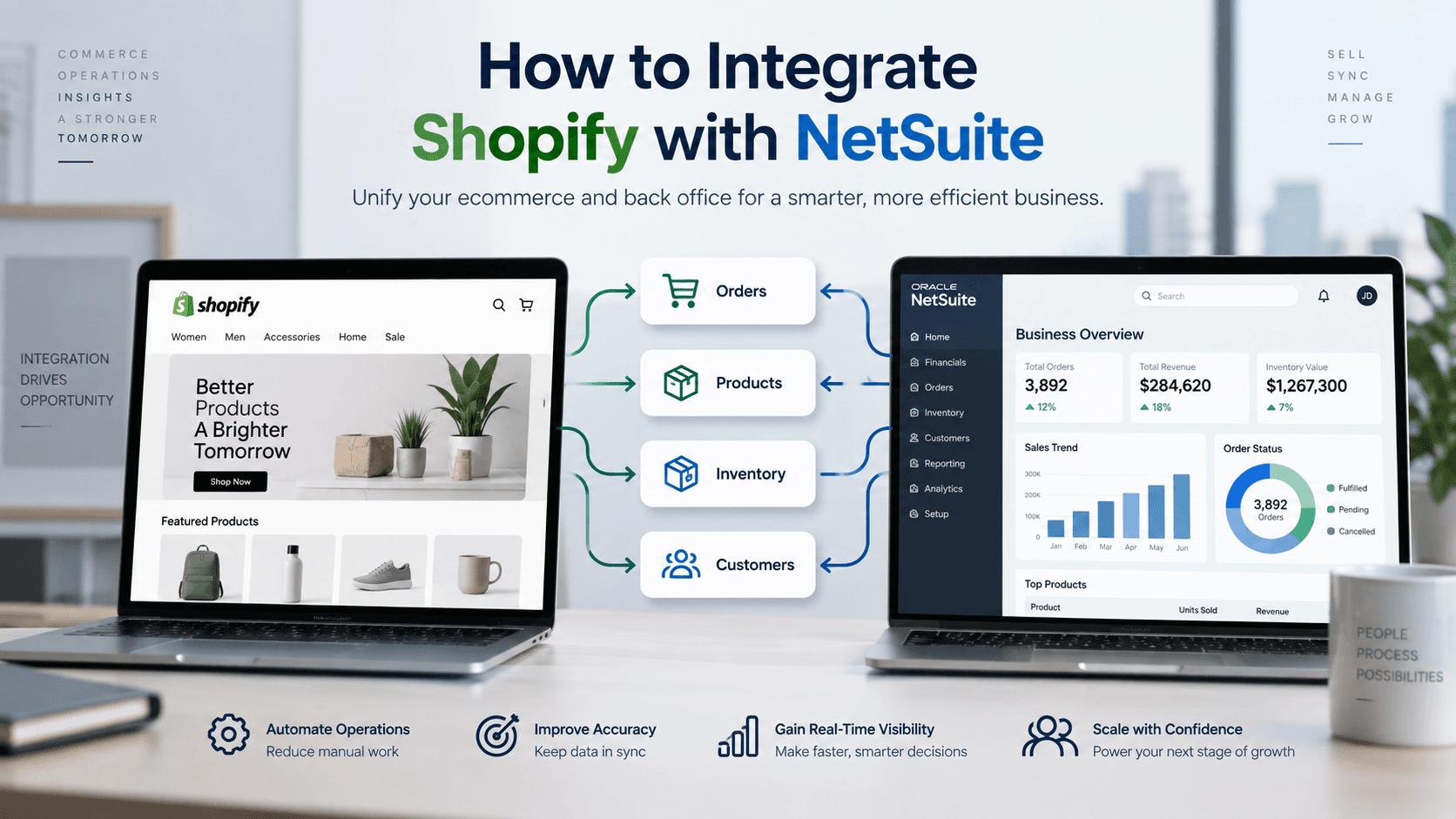
What data should sync between Shopify and NetSuite?
A complete Shopify–NetSuite integration keeps both systems agreeing on the records that drive orders and accounting. Get these flows right and the storefront, warehouse, and finance team all work from the same numbers.
- Products & variants — item data and pricing from NetSuite to Shopify.
- Inventory — available quantities from NetSuite to Shopify, in real time.
- Orders — Shopify orders posted into NetSuite as sales orders.
- Customers — new Shopify customers created or matched in NetSuite.
- Fulfillments & tracking — shipment status flowing back to Shopify.
- Payments & payouts — transactions reconciled to NetSuite GL accounts.
Your integration options
There are three broad ways to connect Shopify and NetSuite, in increasing order of reliability at scale.
- Manual / CSV — export and import by hand. Free, but slow and error-prone; only viable at very low volume.
- iPaaS middleware — a platform like Celigo moves data through flows in its cloud. Flexible, but a separate system to run and pay for.
- Native SuiteApp — an app inside NetSuite (e.g. In8Sync DirectConnect) syncs directly, in real time, with no middleware.
Avoiding the two most common problems
Overselling and reconciliation pain are the two issues that push teams from manual work to a real integration. Overselling happens when inventory is not shared in real time across channels; reconciliation pain happens when payments and payouts are not mapped to the right GL accounts automatically.
Real-time inventory sync fixes the first: every channel reads the same NetSuite quantity, so stock cannot be sold twice. Automated payment reconciliation fixes the second.
Integrating Shopify with NetSuite using In8Sync
In8Sync’s Shopify integration is a native NetSuite bundle: it installs as a SuiteApp and syncs customers, products, orders, inventory, and fulfillments in real time, with full retail and wholesale (B2B) support and no middleware. Our team builds and supports it for you, and extends it with custom SuiteScript where a storefront needs non-standard logic.
Frequently asked questions
Can Shopify and NetSuite sync in real time?
Yes. A native integration can post orders and update inventory the moment they change, rather than on a batch schedule. Real-time sync is what keeps inventory accurate across Shopify and your other channels.
Does the integration support Shopify B2B / wholesale?
In8Sync’s Shopify integration supports both retail and wholesale (B2B) order flows from NetSuite, including the pricing and customer structures wholesale requires.
Do I need middleware to connect Shopify to NetSuite?
No. A native SuiteApp runs the Shopify–NetSuite sync inside NetSuite, so there is no separate iPaaS platform to host, learn, or pay for.